
- Training
- Service
- Promotion
- Schedule
- Testing Center
- News
- Contact
11/2/2022


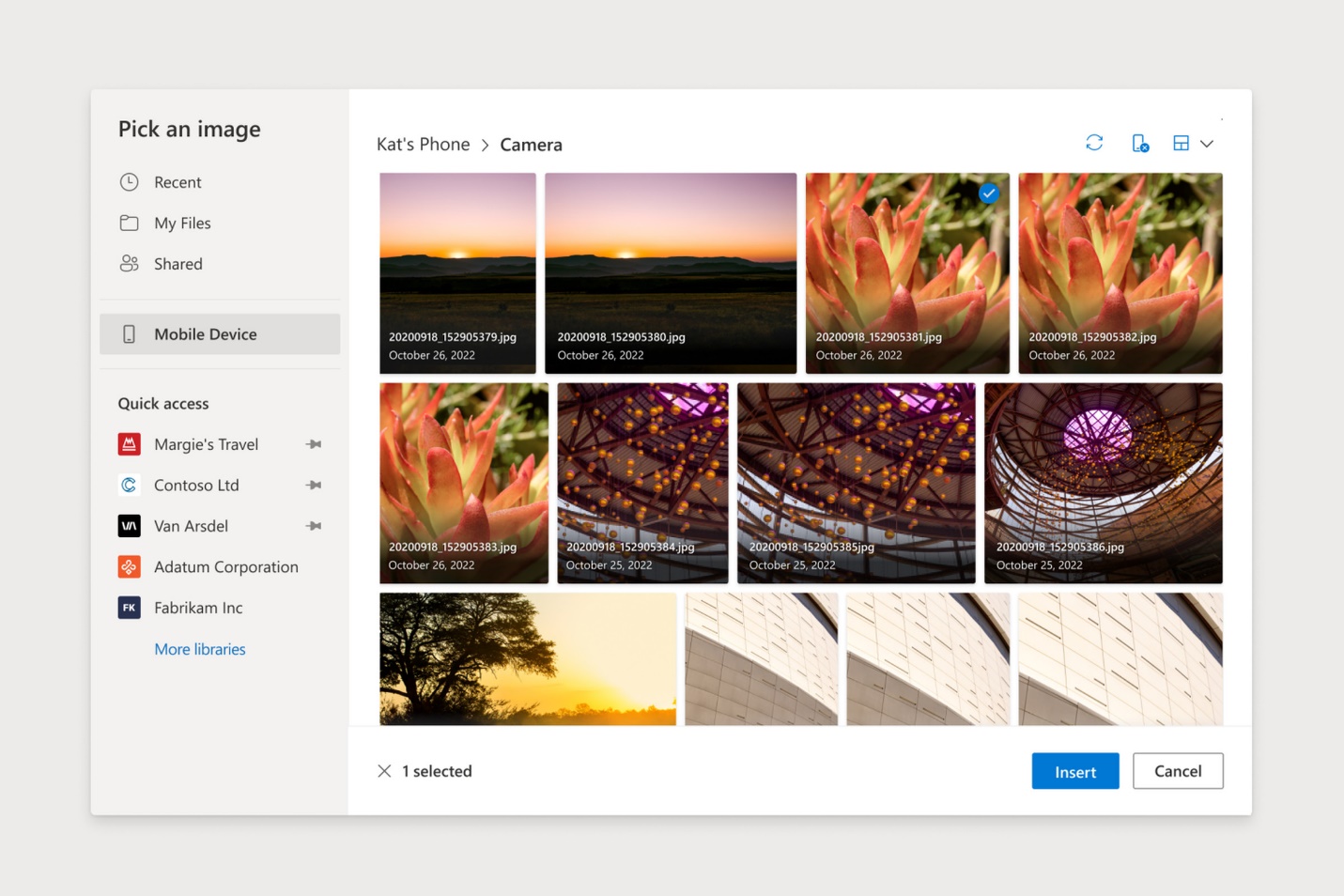
Microsoft is rolling out a feature for Office Insiders that lets you insert images from your Android smartphone directly into a web-based Word or PowerPoint file. While Microsoft already offers ways to transfer content between Windows PCs and Android devices through the Phone Link app that Microsoft improved in March, this marks the first time they've built the functionality into one of these devices. its application.
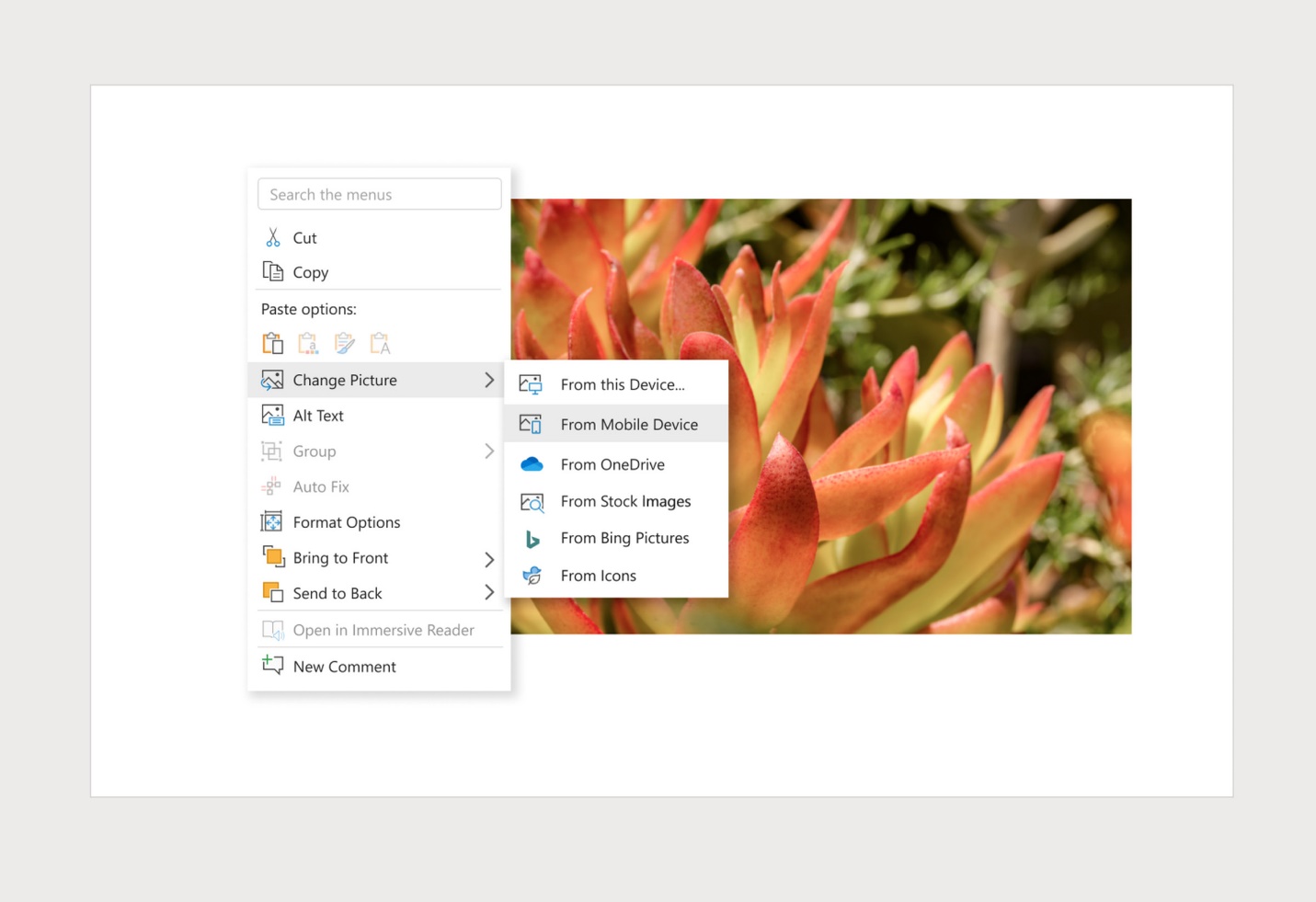
To get started, open a web-based Word or PowerPoint document, then click Insert > Image > Mobile. If you have not yet linked your Android device to your PC, you will have to take additional steps to do so.
This involves scanning the QR code that appears on your computer screen and then downloading the Link to Windows app from the Google Play Store (if you haven't already). After all of that happens, you can browse through your Android device's photos from your PC and select the ones you want to add to your Word or PowerPoint document.
Microsoft says the feature will be "released for a while to make sure everything works smoothly." It seems like a pretty handy addition to the app and (whenever you decide to actually remove your Microsoft 365 subscription).
Source: https://www.theverge.com

12/11/2025


